
How it works(owner side)
1
Create a service in minutes
For each service, you define:
- Name
- Description
- Price
- Conditions / rules
- Post-purchase instructions (optional)
2
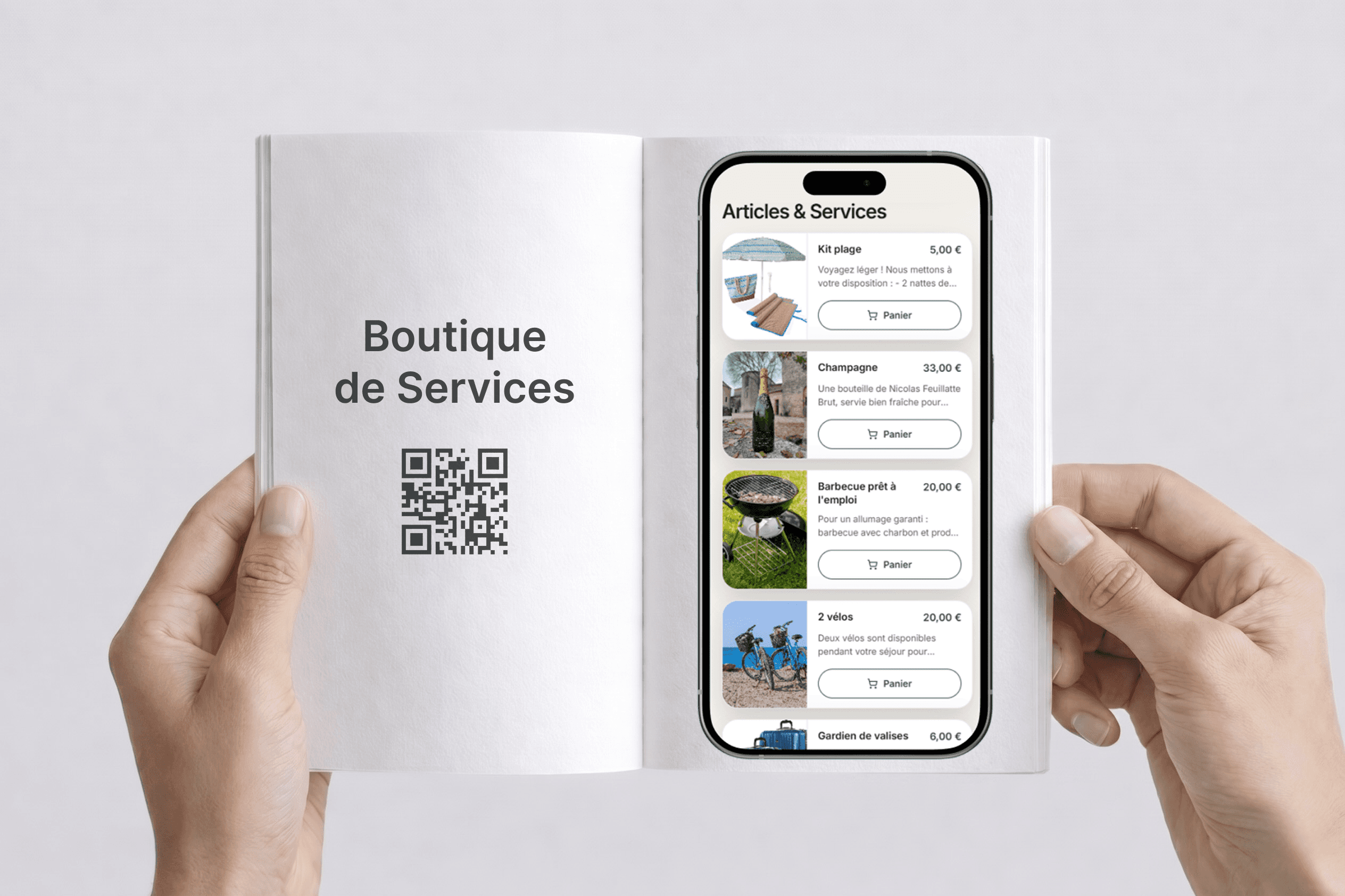
The service appears in the guidebook
The guest can buy it directly from the guidebook page. No extra action is required from you.
3
Manage the order
Track each request and update the status:
requestedacceptedcompleted
Best-performing services
The goal: services that are easy to deliver, genuinely useful, and clear in 10 seconds.
Classic services
high demand
- Late check-out
- Early check-in
- Mid-stay cleaning
- Fresh linens / towels
Comfort services
- Baby kit (crib, high chair...)
- Beach kit (towels, umbrella...)
- Breakfast / drinks / snacks pack
Logistics services
- Transfer / shuttle
- Key delivery / late arrival
- Parking (if available)
A simple guest-side experience
The guest:
1Opens the guidebook
2Sees the available services
3Buys in a few clicks, without creating an account
4Receives confirmation and next steps by email
Result: fewer messages, more clarity, and a better overall guest experience.
Rules, conditions, and clarity
Each service should be framed clearly to avoid misunderstandings.
Examples of useful conditions
"Late check-out available until 1 PM, subject to availability"
"Minimum booking notice: 24 hours"
"Non-refundable if requested the same day"
"Valid only for X guests / X nights"
The clearer it is, the fewer disputes you create, and the easier it is to deliver.