
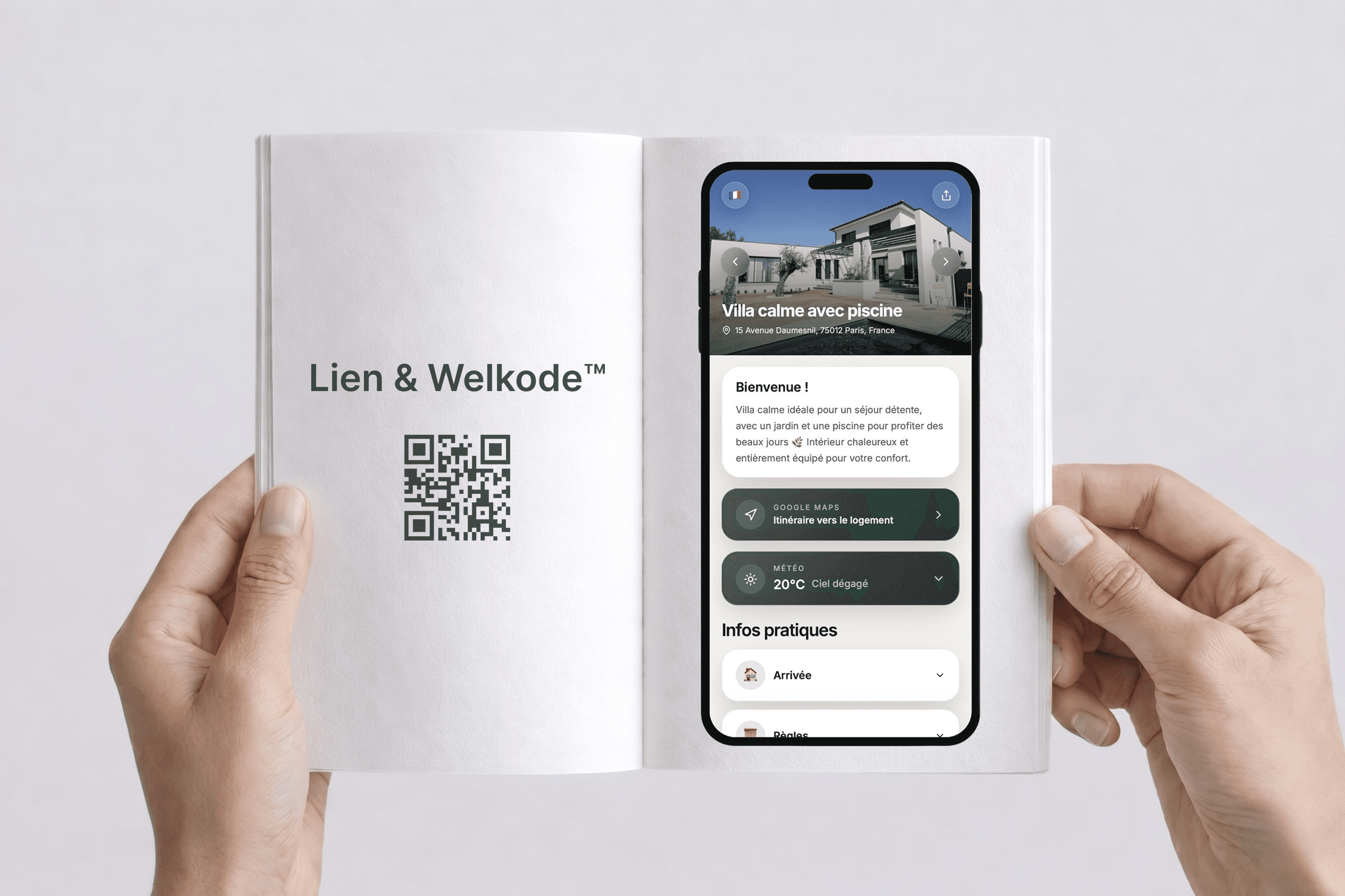
Why both link and QR code?
Before arrival
everything is clear in one place
Send one unique link with all the essentials: arrival, rules, Wi-Fi, contacts, and more.
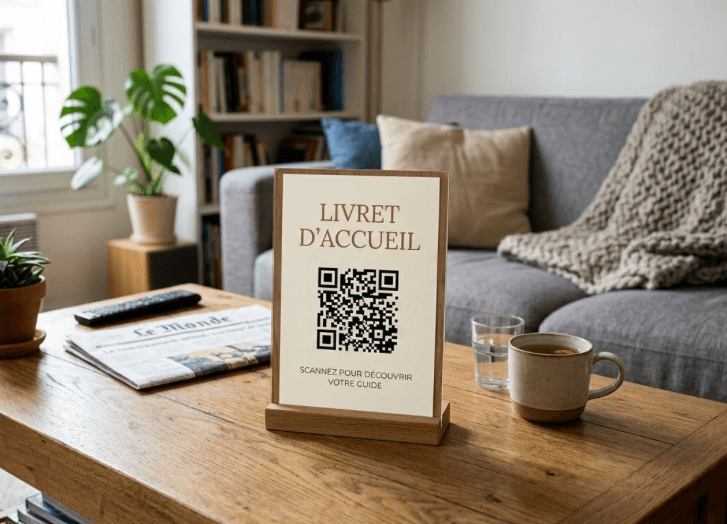
On site
the QR code becomes the reflex
Displayed inside the property, the QR code lets guests find information instantly without digging through old messages.
How it works
- 1
You create your guidebook
You create your guidebook
You fill in your sections (essential info, photos, instructions, and optionally add-on services).
- 2
Welkodia generates automatically
Welkodia generates automatically
- A shareable link
- A QR code linked to it
- 3
You share it wherever you want
You share it wherever you want
Airbnb, Booking, WhatsApp, email, and/or inside the property.
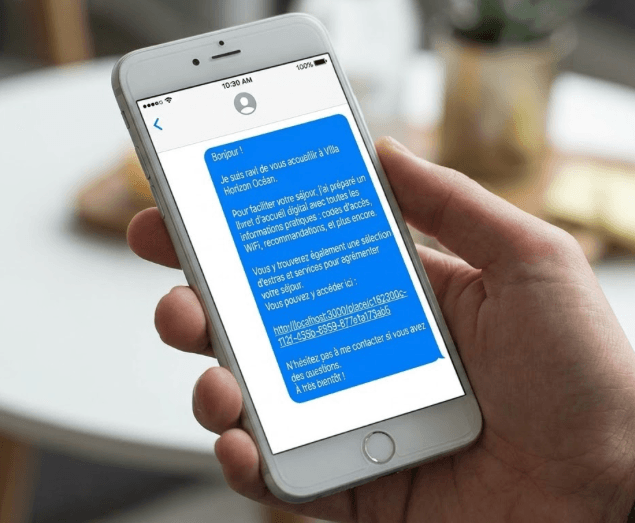
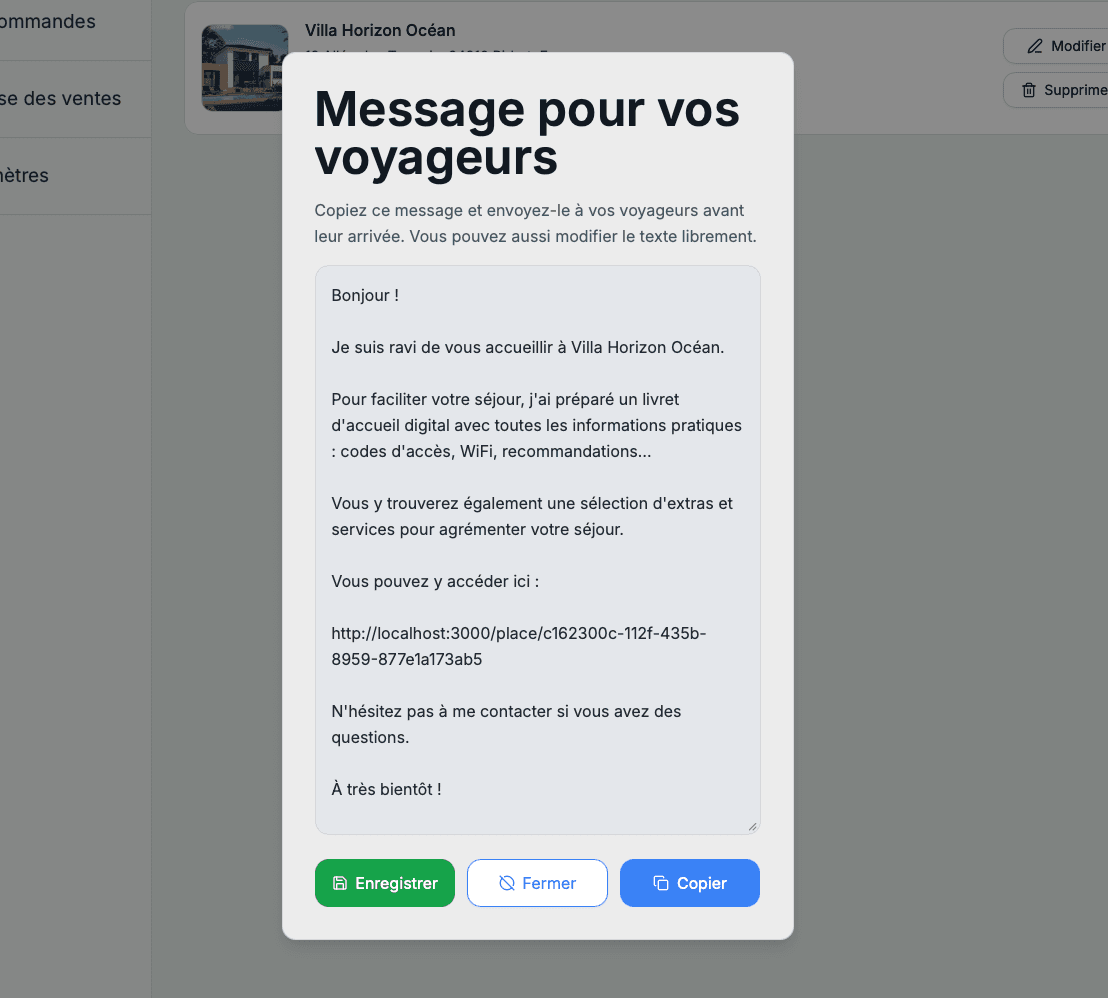
Share before arrival
Save time: Welkodia generates a message you can send to the guest as is.
Display inside the property
The QR code is perfect for the "on-site" experience:
Where should you place it?
Best practices
importantWELKODIA is designed for easy access via link or QR code. For a practical yet secure experience, certain sections of your guidebook can be protected by a PIN code.
This allows you to restrict access to the most sensitive information, such as:
- Key lockbox code
- Building entrance door code
- Alarm code
- Confidential instructions
The PIN code can then be shared directly with the guest, allowing them to access this information within the guidebook.
Always up to date, even after sending
Sent the link to your guest and need to change a detail (schedule, rule, photo, service...) in your guidebook?
No need to send a new link or QR code: the link and QR code stay the same, and the content updates instantly.
The WelkodeTM: the QR Code magnet for your property
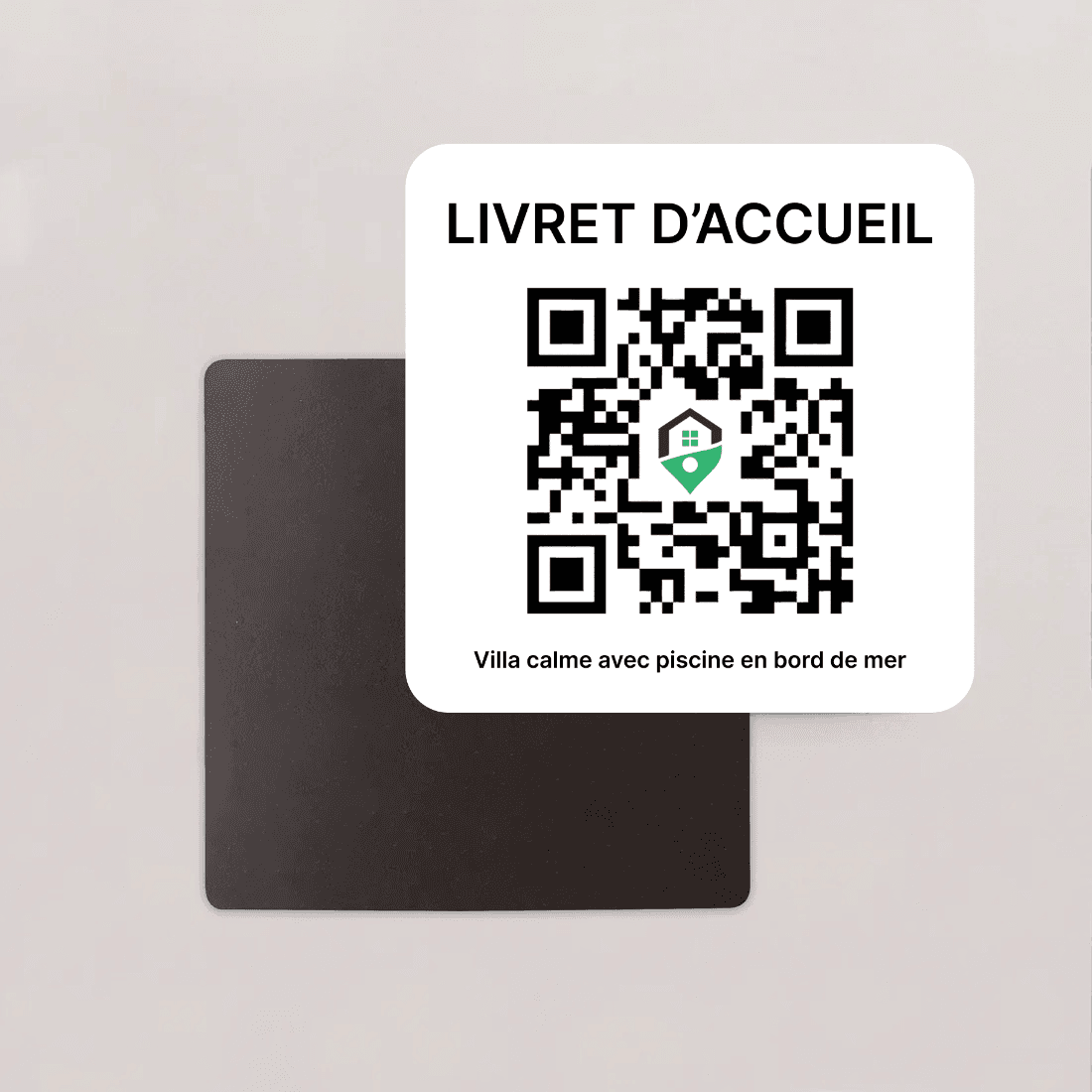
The WelkodeTM: the QR Code magnet for your property
After creating your welcome guide, order your WelkodeTM: a magnet with a unique QR code for your property.
Give your guests instant access to your guidebook — no link to send, no message to repeat. Display it in your property (entrance, living room, kitchen…) for simple, immediate access.